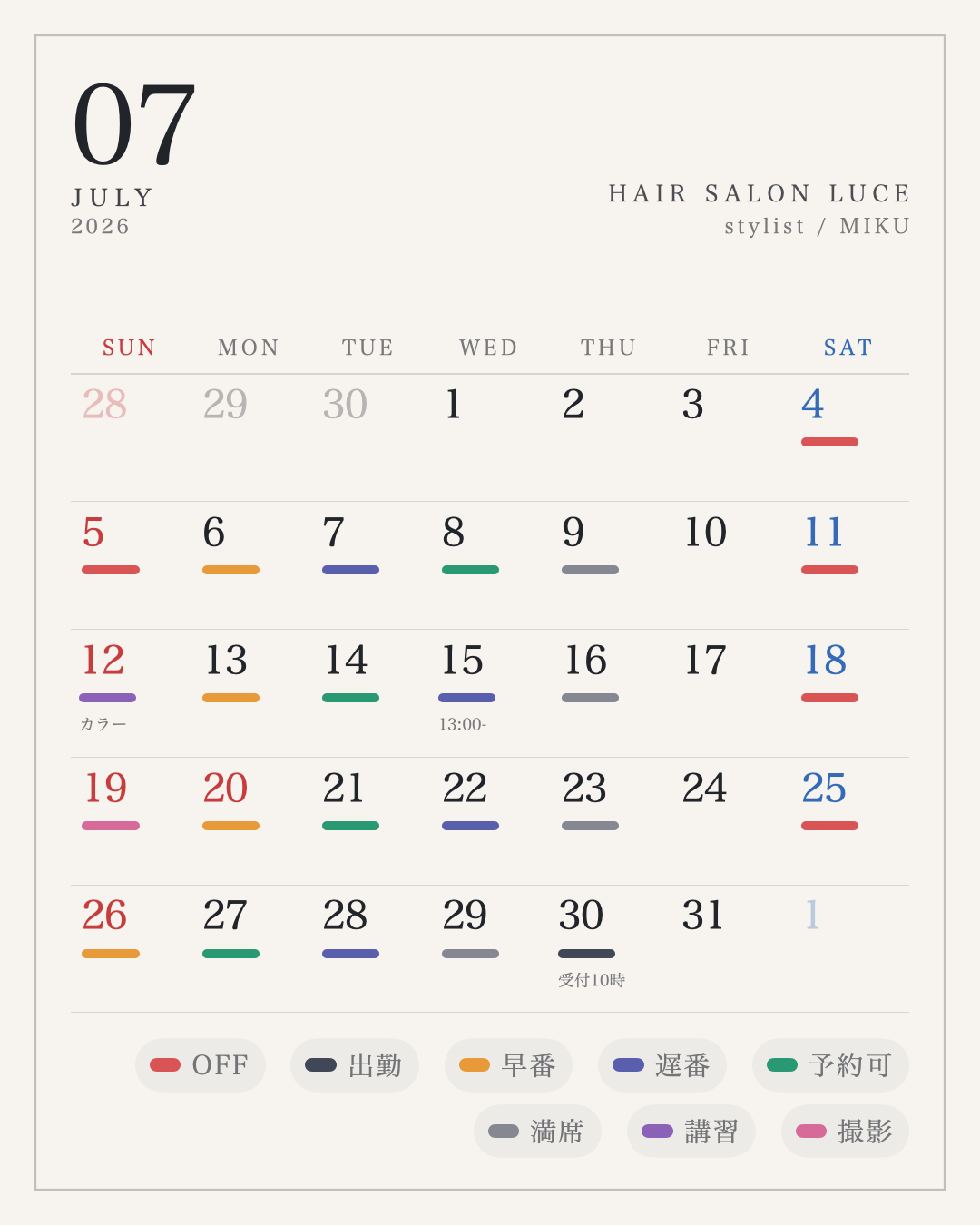
Whitespace that feels professional.
Fine rules, balanced dates and calm margins. A clean schedule image that works on salon pages and social feeds.
Work days, days off, booking slots, training and shoots. Salon Calendar turns the schedule clients check before booking into a polished image for your salon page and social channels.
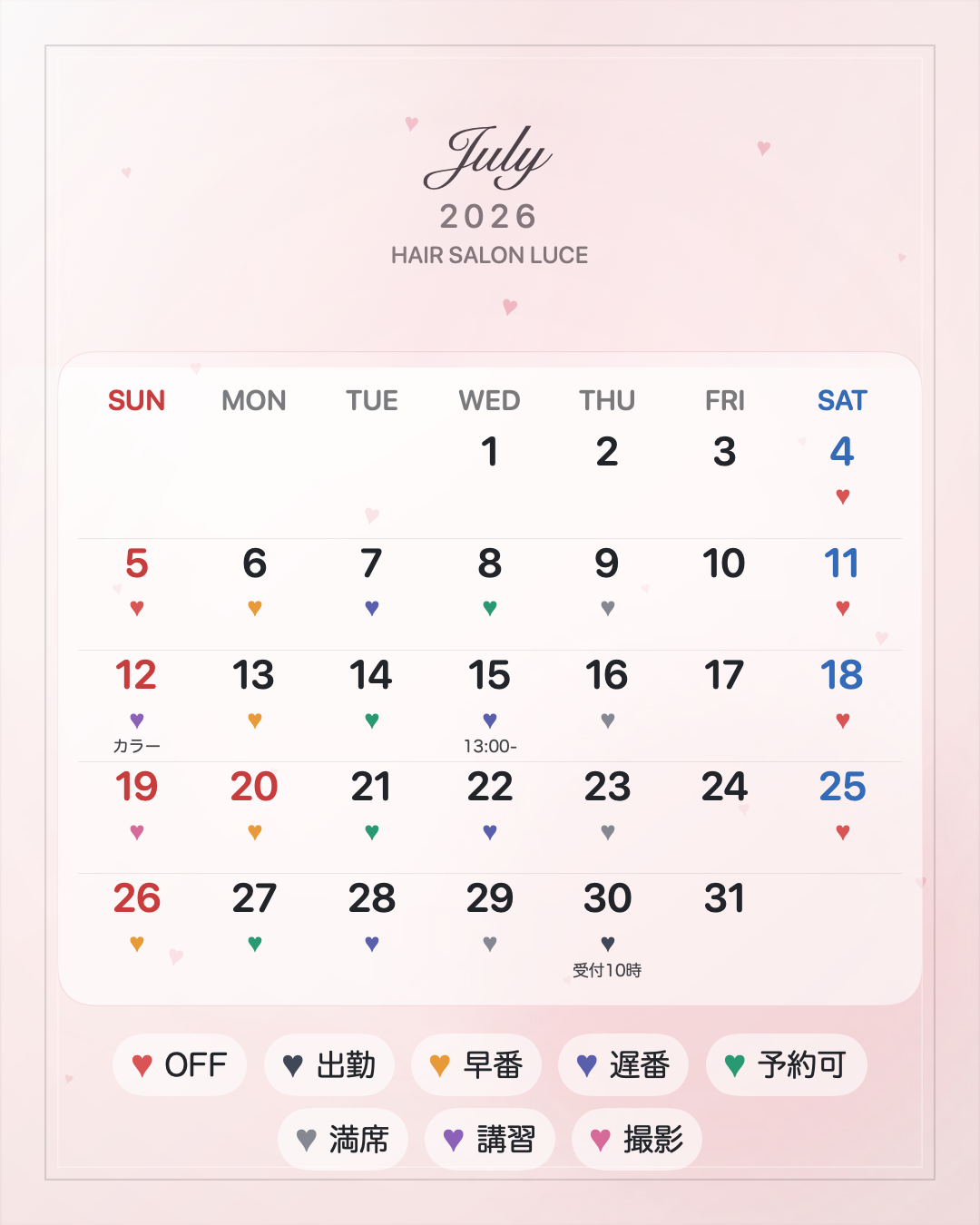
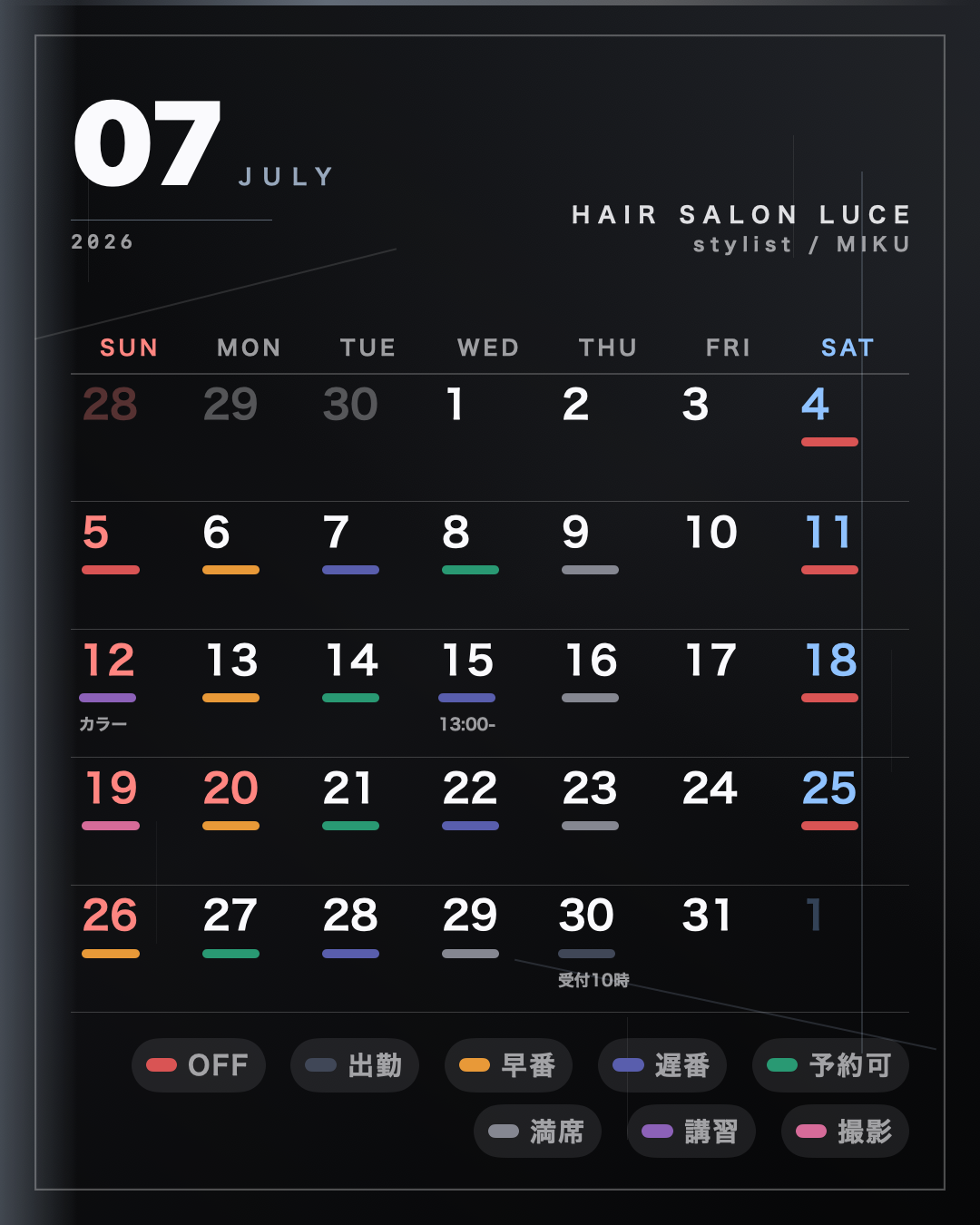
Style range
A schedule image is part of the booking path. Salon Calendar keeps dates readable while letting the post carry the mood of your salon, your feed and your personal brand.
Fine rules, balanced dates and calm margins. A clean schedule image that works on salon pages and social feeds.
Gentle colors, small symbols and friendly typography make the schedule feel approachable without losing clarity.
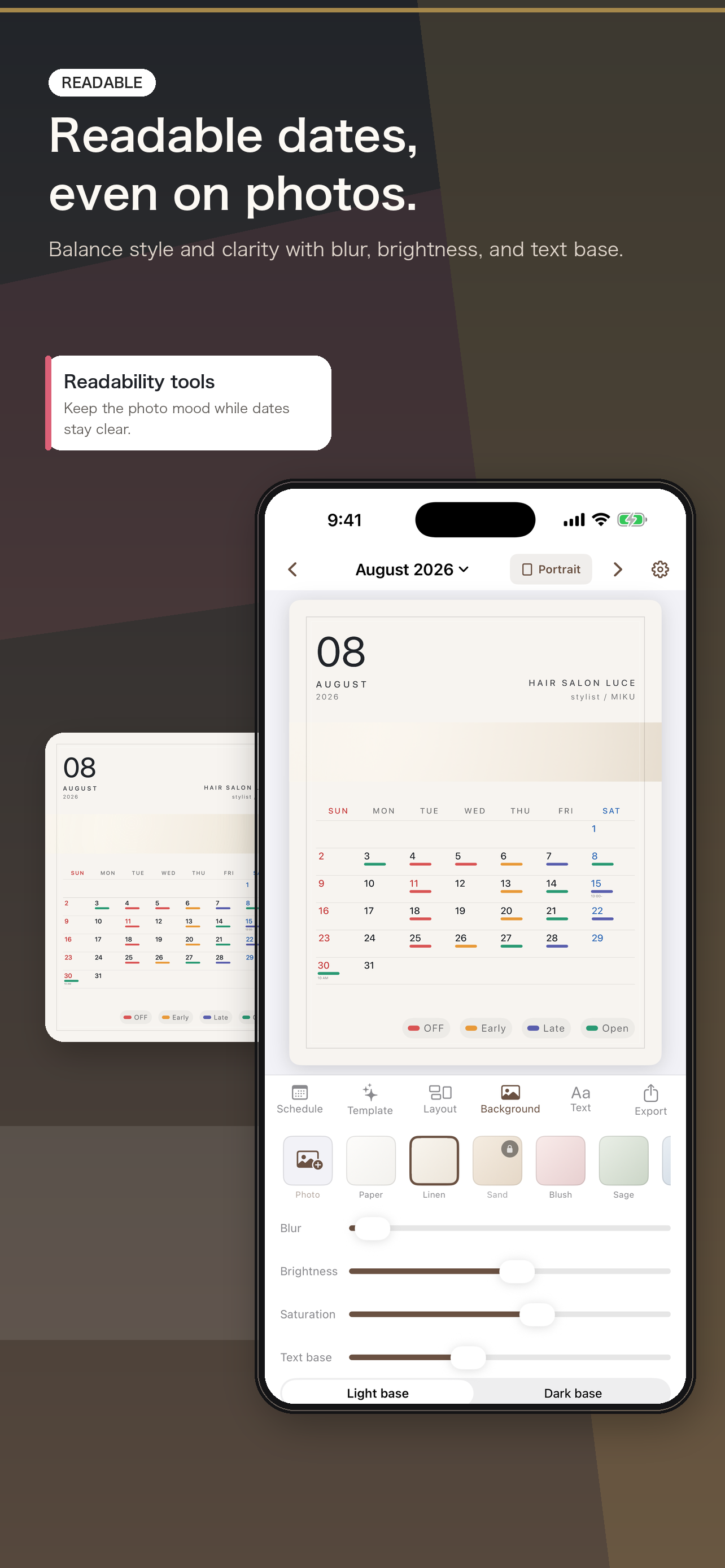
Dates stay readable even on a dark background, giving stylists a stronger personal-brand option.
The free version can create, edit, save and share monthly schedule images. Pro adds templates, photo backgrounds and tag controls for stylists who want more visual range.
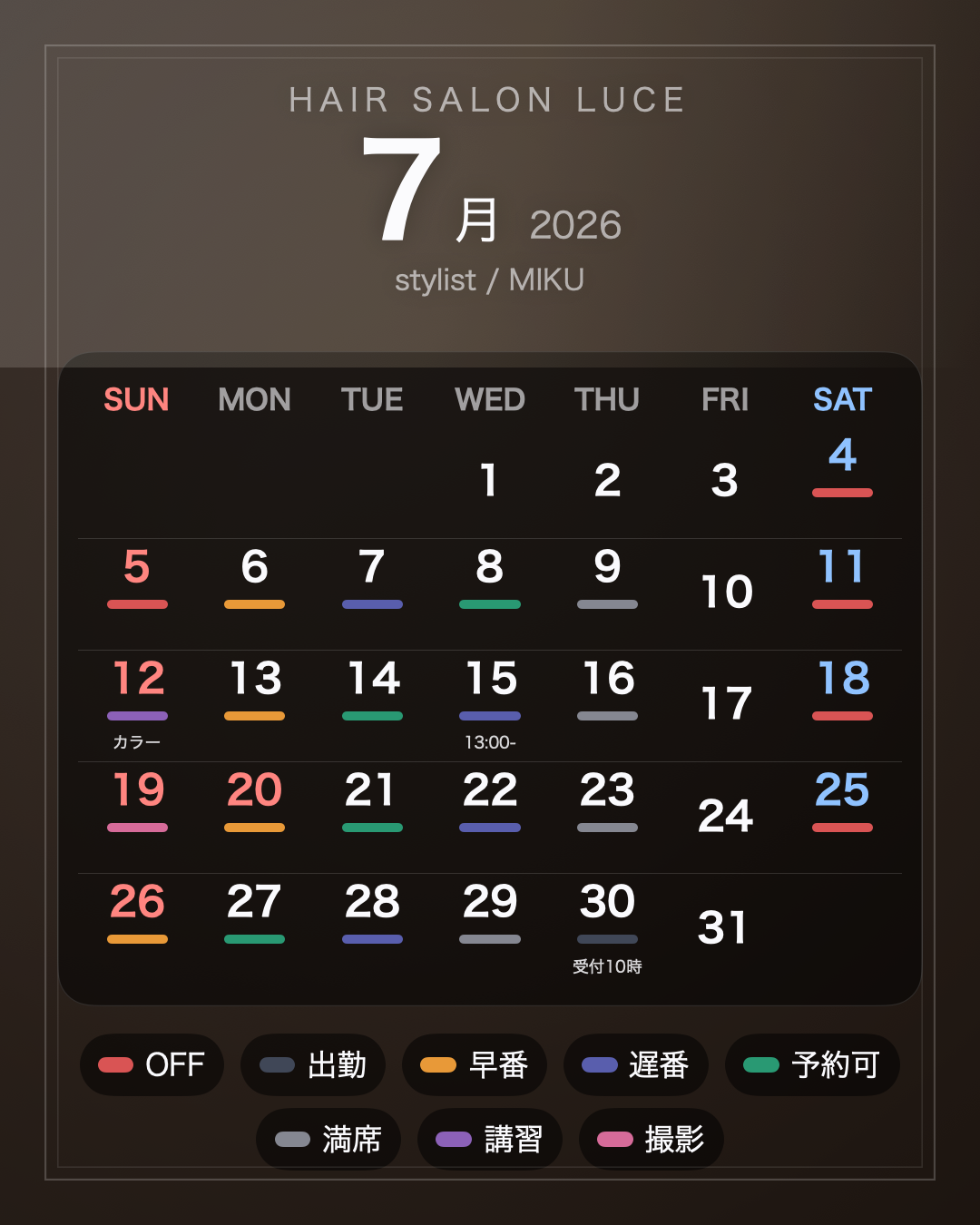
Pro is a monthly or yearly auto-renewable subscription. There is no weekly plan. Price, duration and availability are shown in the App Store purchase sheet in the app.
Choose a size, edit the schedule, then export and share. The flow is built for busy salon days.
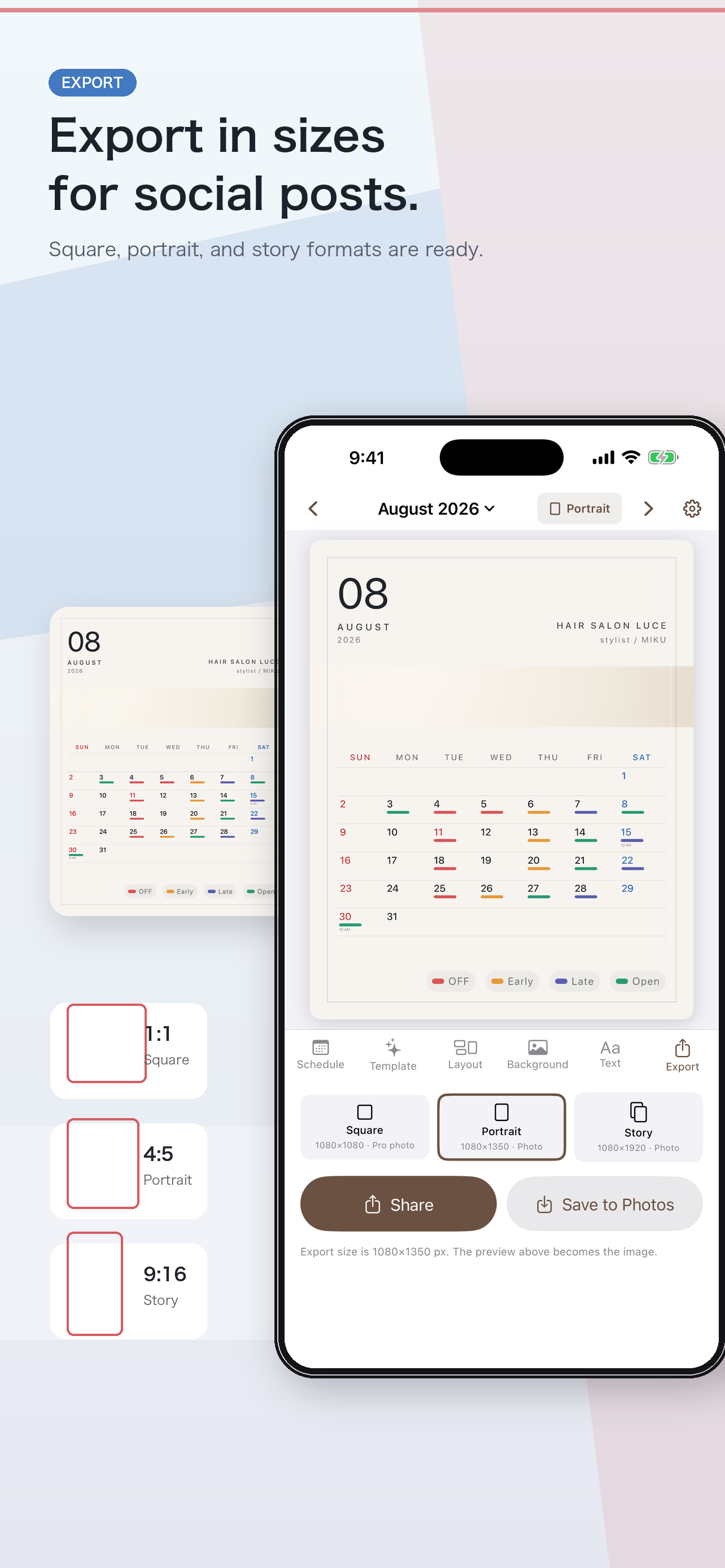
Square, portrait feed or story. Start with the place you will post.
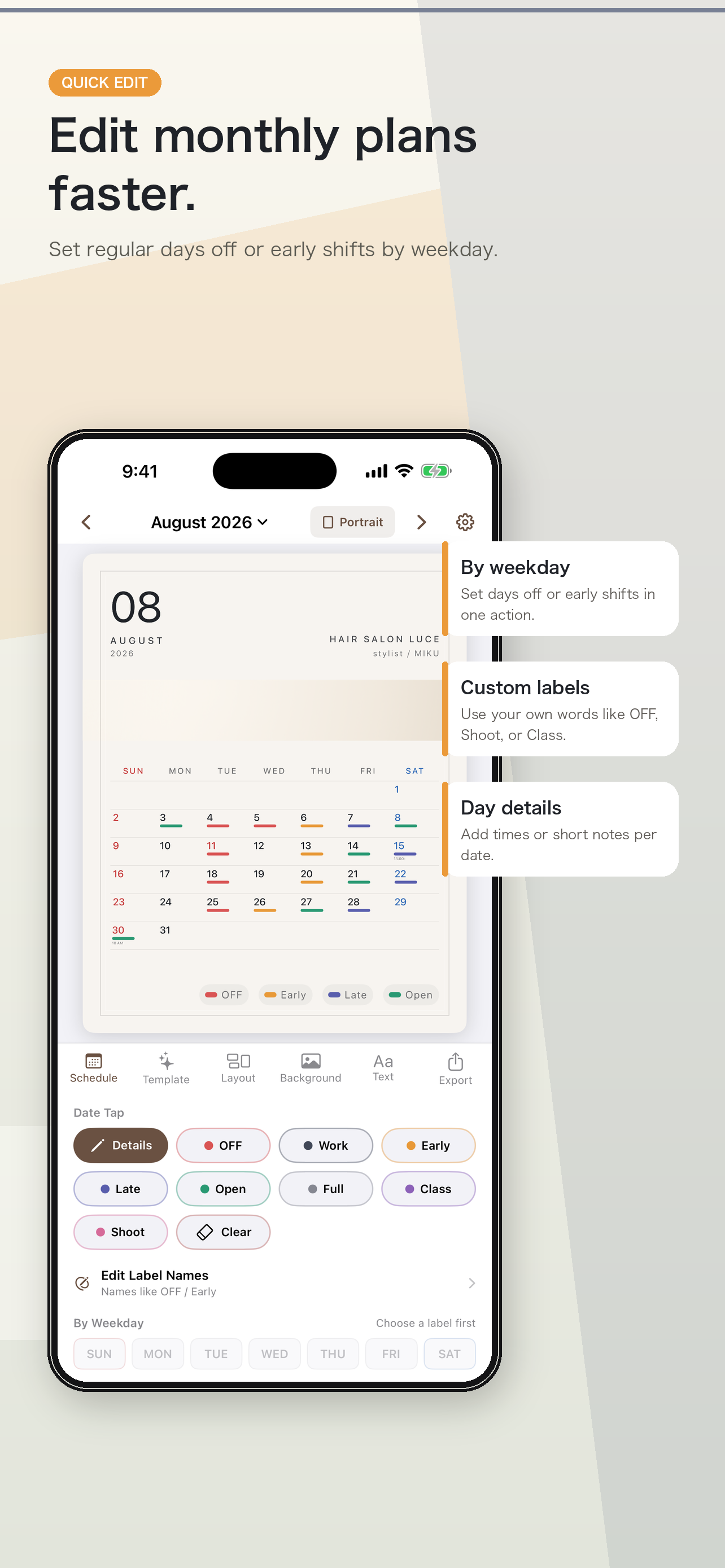
Bulk weekday entry, label-name editing, backgrounds and readability controls keep the image clear.
Save to Photos or send the exported image to social apps and salon-page workflows.
No account, no advertising SDK and no analytics SDK. Schedule data is not sent to a developer-operated server. Pro purchases and subscription checks are processed through Apple's App Store / StoreKit systems.
Questions, bug reports and feature requests are handled through GitHub Issues. Issue content is public. Please do not include client names, contact details, appointment details or photographs taken at work.
The free version can create monthly schedules, edit label names, use standard templates, export three sizes, share images and save to Photos. Pro unlocks additional templates, square photo backgrounds, backgrounds, frames, light accents, tag placement and tag font adjustments.
The current version creates, saves and shares still calendar images. It does not edit video or export GIF/MP4 or animated calendar files.
Yes. The exported images are yours. If you imported your own photo as a background, please make sure you hold the rights to that photo.